
Airtest:网易跨平台 UI 自动化框架安装与脚本编写指南
一、项目官方信息
| 项目 | 信息 |
|---|---|
| GitHub 仓库 | AirtestProject/Airtest |
| 官网 | airtest.netease.com |
| 中文文档 | README_zh |
| 开源协议 | Apache-2.0 |
| 主要语言 | Python |
| Star 数 | 约 9.6k |
Airtest 是网易开源的跨平台 UI 自动化框架,适用于游戏和 App。它基于图像识别定位 UI 元素,无需注入代码即可自动化操作。配套 AirtestIDE 提供可视化录制、运行、报告流程。
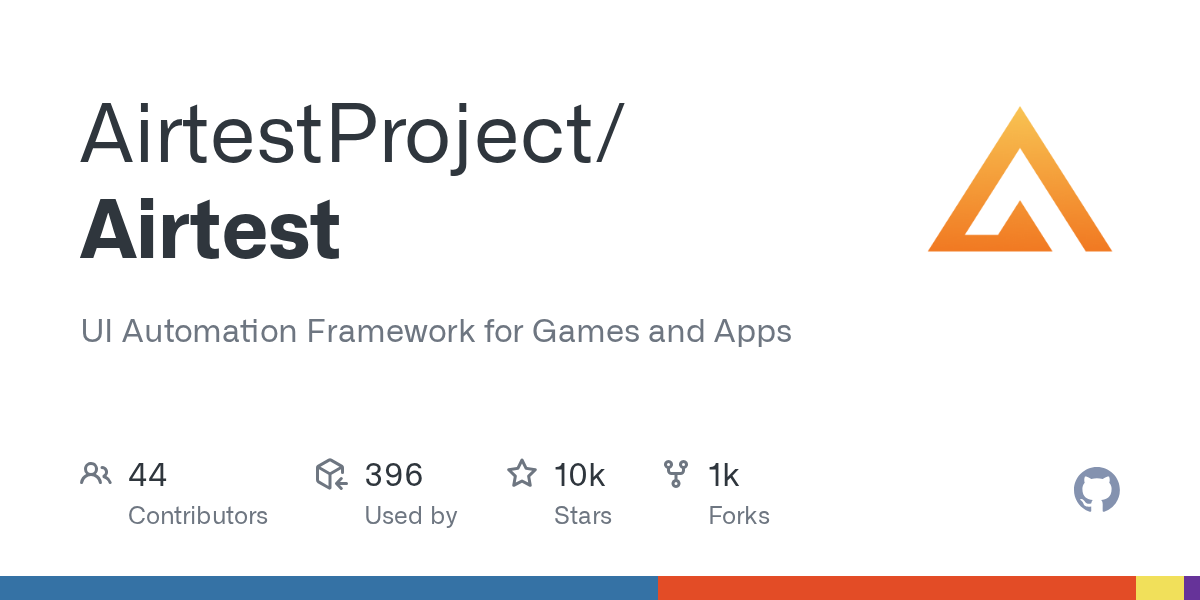
二、官方图片
上图为 Airtest 仓库在 GitHub 上的社交预览图。
三、环境要求
- Python 3.6+;
- Android 设备/模拟器(或 iOS);
- 可选 AirtestIDE(GUI)。
四、安装步骤
1. 安装
pip install -U airtest
2. 连接设备
from airtest.core.api import *
dev = connect_device("Android://127.0.0.1:5037/emulator-5554")
3. 图像识别点击
touch(Template("search.png"))
sleep(1)
assert_exists(Template("result.png"))
4. 运行脚本
airtest run main.air --device Android://127.0.0.1:5037/
airtest report log/
五、使用方法
- 图像识别:无需源码即可操作;
- 跨平台:Android、iOS、Windows、游戏引擎;
- Poco:获取 UI 控件树,做精细控件自动化;
- HTML 报告:含截图与录屏;
- AirtestIDE:录制、回放、报告。
六、常见问题 FAQ
-
Airtest 是什么? 基于图像识别的跨平台 UI 自动化框架。
-
需要注入代码吗? 图像识别模式无需;Poco 需接入 SDK。
-
支持哪些平台? Android、iOS、Windows、主流游戏引擎。
-
怎么安装?
pip install -U airtest。 -
有 GUI 工具吗? AirtestIDE。
-
谁开源的? 网易。
七、跳转链接
- GitHub 仓库:AirtestProject/Airtest
- 官网:airtest.netease.com
- Poco:AirtestProject/Poco